
Protect Yourself By Silencing Unknown Callers

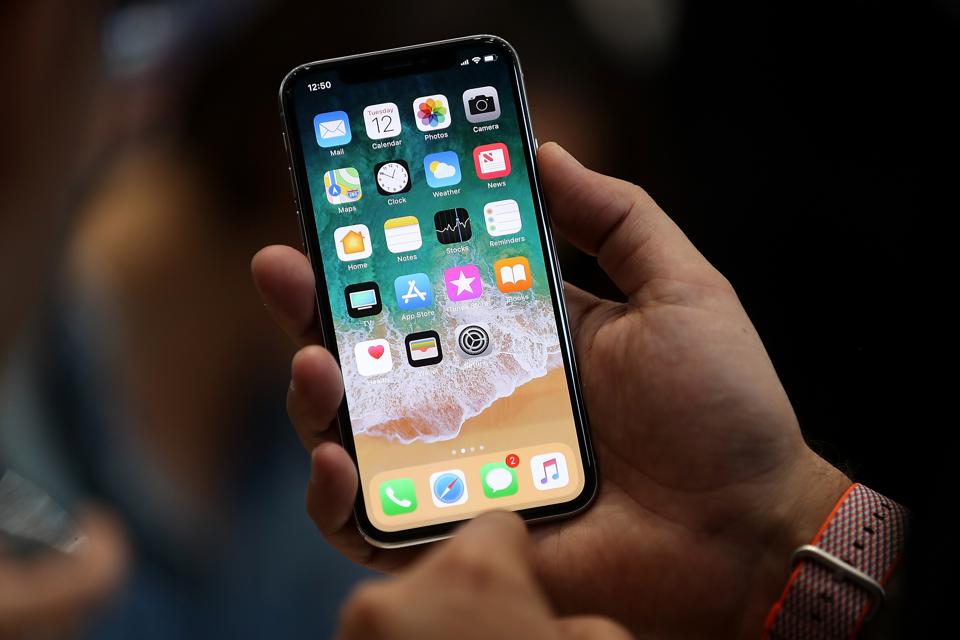
CUPERTINO, CA – SEPTEMBER 12: The new iPhone X is displayed during an Apple special event at the … [+] Steve Jobs Theatre on the Apple Park campus on September 12, 2017 in Cupertino, California. Apple held their first special event at the new Apple Park campus where they announced the new iPhone 8, iPhone X and the Apple Watch Series 3. (Photo by Justin Sullivan/Getty Images)
Getty Images
I have helped several clients recognize and avoid scams intended to separate them from their money. One factor has unified most of the clients who have nearly fallen prey: They still had a land line.
Having a land line is expensive. It also rings and bothers you no matter who is calling. Dropping the land line will avoid most of the scammers and get back a significant portion of your time and attention. It will also help prevent getting scammed.
Once you have a smart phone, you can prevent the ringer from ringing unless the person calling you is listed in your phone.
Here is how to turn the ringer off and silence unknown callers on an iPhone:
Settings on iPhone
David John Marotta
Open “Settings” on your iPhone

Phone
David John Marotta
$100M Magic: Why Bruno Mars And Other Stars Are Ditching Their Managers
More stories like thisFewer stories like this
HEINEKEN USA CEO Maggie Timoney On Increasing Inclusion In The Alcohol Industry
More stories like thisFewer stories like this
Crypto.com Lays Off More Of It’s Workforce As Crypto Winter Deepens
More stories like thisFewer stories like this
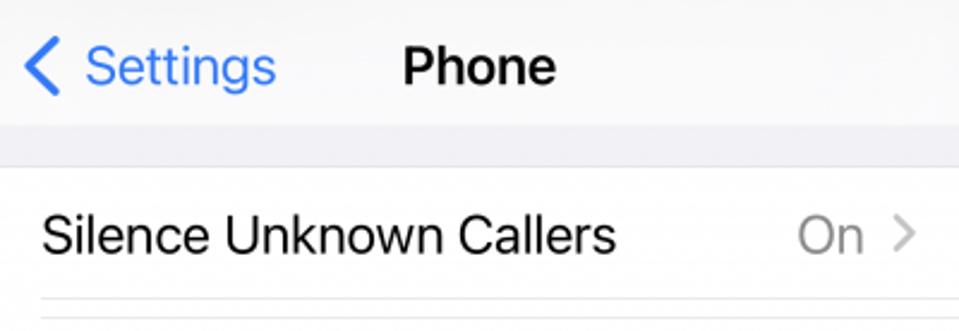
Under Settings, select “Phone”
Silence Unknown Callers
David John Marotta
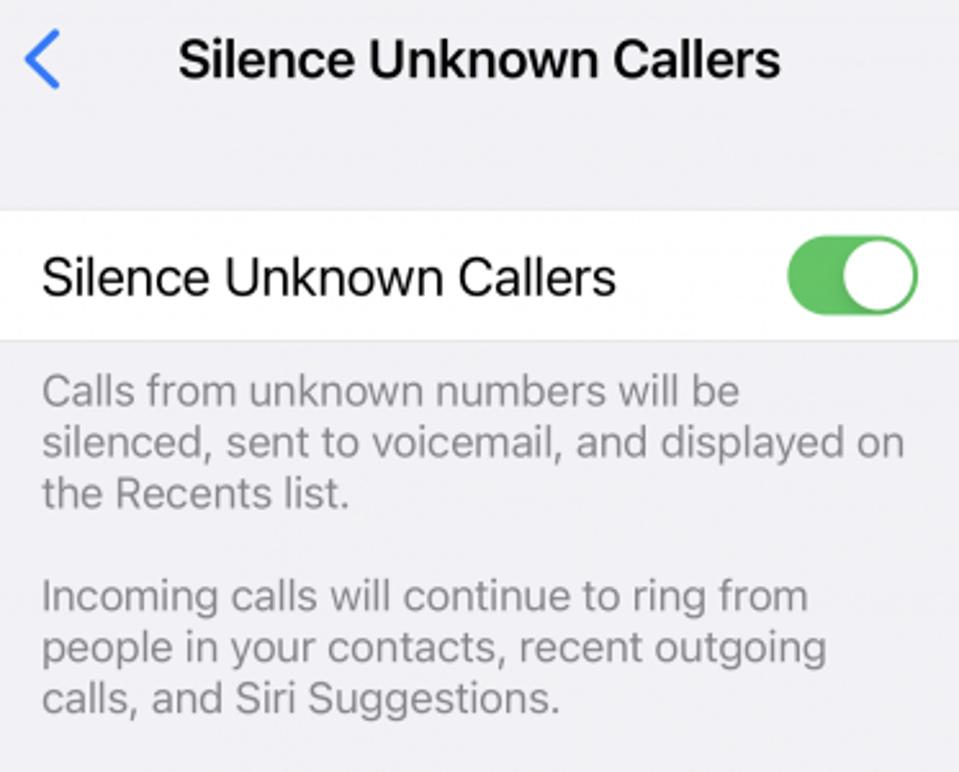
Under Phone Settings, select “Silence Unknown Callers” and turn it on.
Silence Unknown Callers
David John Maotta
When it is on, the slider switch will be green. Here is the description of “Silence Unknown Callers.”
Calls from unknown numbers will be silenced, sent to voicemail, and displayed on the recent call list.
Incoming calls will continue to ring from people in your contacts. You can add people to your contacts from your recent call list.
This process works as the people in your contacts list are probably not scammers.